Jongle App

Download the Jongle App — Android & iOSThe Best Gaming Experience on

Your entire gaming world in your pocket. The jongle app brings you slots, fish games, Live Casino, and Sports Betting — anytime, anywhere.

5 MB
App Size
4.8 ★
User rating
50K+
Download
Free
Download cost
Your Platform Choose

The Jongle app runs seamlessly on Android, iOS, and web browsers

jongle
🤖

Android APK

Install the APK directly — no Google Play needed

  • File size: only 5 MB
  • Android 5.0 or above
  • RAM: 1 GB minimum
  • Internet Connection Required
  • Auto-Update Feature
Android Download
🍎

IOS (iPhone/iPad)

Smooth gaming experience on iPhone and iPad

  • iOS 12.0 or above
  • iPhone 6s or newer
  • All iPad models supported
  • Web App via Safari / Chrome
  • Add to Home Screen
View iOS Guide
🌐

Web browser

Play instantly in your browser — no download needed

  • Chrome, Firefox, Edge, Safari
  • Both mobile & desktop
  • No installation required
  • Full access to all games
  • Instant login
Play in browser
Android APK Installation Guide

Install the jongle app in just 4 steps — in under 2 minutes

Step 1: Register

Create a free account on Jongle. Register quickly using your email or phone number.

Step 2: Download the APK

Log in and save the Android APK file from the download page.

Step 3: Grant permissions

Go to Settings > Security > Unknown Sources and enable it. This is required for APK installation.

Step 4: Start playing

Tap the APK file, install it, and open the Jongle app — done!

Important security tips

Download the Jongle APK only from the official jongle.pro website. Downloading from third-party sites may pose security risks. Remember to disable Unknown Sources again after installation.

jongle
Jongle App — Why Is Everyone Downloading It?

When it comes to mobile gaming, the first question is always: play in the browser or download the app? Honestly, both Jongle Works great. That said, downloading the app unlocks a few extra perks you won't get in the browser.

The biggest advantage of the app is speed. Web pages take a moment to load in a browser, but games on the Jongle app open almost instantly.

App vs. Browser — Which Is Better?

For regular players, the app is the more convenient choice. Instead of opening a browser and typing jongle.pro every day, just tap the app directly from your home screen. You'll also get push notifications so you never miss a bonus or event.

For iOS Users

IPhone and iPad users: open jongle.pro in Safari, tap the Share button, then select "Add to Home Screen". This creates a shortcut on your home screen that looks and feels just like a native app.

App Download Bonus

Download the jongle app and log in for the first time to receive a special welcome bonus. This offer is exclusively for app users.

Jongle App's Special features

What the app offers that the browser doesn't

Fastest loading

Games load in just 1–2 seconds on the native app — 3 times faster than a browser.

Push notifications

Get instant updates on bonus offers, free spins, tournaments, and jackpots.

Biometric login

Log in quickly and securely using fingerprint or face unlock.

Stable connection

If the app loses connection, it automatically reconnects.

Optimized Interface

An interface built specifically for mobile screens — easy navigation and clear buttons.

Advanced security

Your account is fully protected with SSL encryption and two-factor authentication.

jongle
🎁 App-Exclusive Offers
Download bonus
BDT 500
Bonus credits on your first app login
You'll receive it upon your first login after downloading the app. Available for new users only.
Create Account
App vs. Browser — Comparison

A quick comparison between the Jongle app and browser version

Features 🤖 Android App 🍎 iOS Web App 🌐 Browser
Loading speed ⚡ Much Faster ⚡ Fast Standard
Push notifications
Biometric login
Home Screen Icon
Number of games All games All games All games
Download bonus
Auto Update
Installation Required Yes (5 MB) No No
System Requirements

Check whether your device is ready to run the Jongle app

🤖
Android Requirements
  • Android 5.0 (Lollipop) or above
  • RAM: 1 GB minimum (2 GB recommended)
  • Storage: at least 10 MB free
  • Internet: 3G or above
  • Benefits of Enabling Unknown Sources
  • All brands — Samsung, Xiaomi, Vivo, Oppo
🍎
IOS Requirements
  • iOS 12.0 or above
  • iPhone 6s or newer
  • All iPad models supported
  • Safari or Chrome browser
  • Wi-Fi or mobile data
  • "Add to Home Screen" Feature Enabled
💻
Browser requirements
  • Chrome 80+ or Firefox 75+
  • Safari 13+ or Edge 80+
  • JavaScript must be enabled
  • Cookies must be enabled
  • Internet Speed: 1 Mbps minimum
  • All operating systems — Windows, macOS, Linux
Jongle App — Full Details

Why download the jongle app?

Smartphones are now in nearly everyone's hands in Bangladesh — and mobile is simply the most convenient way to game. Jongle The app is designed with Bangladesh's users in mind — built to run smoothly even on slower networks.

Many people ask — is it safe to install an APK? The answer is yes: the official Jongle APK is completely safe and malware-free. Just make sure you download it from our official site rather than any third-party source.

What can I play on the app?

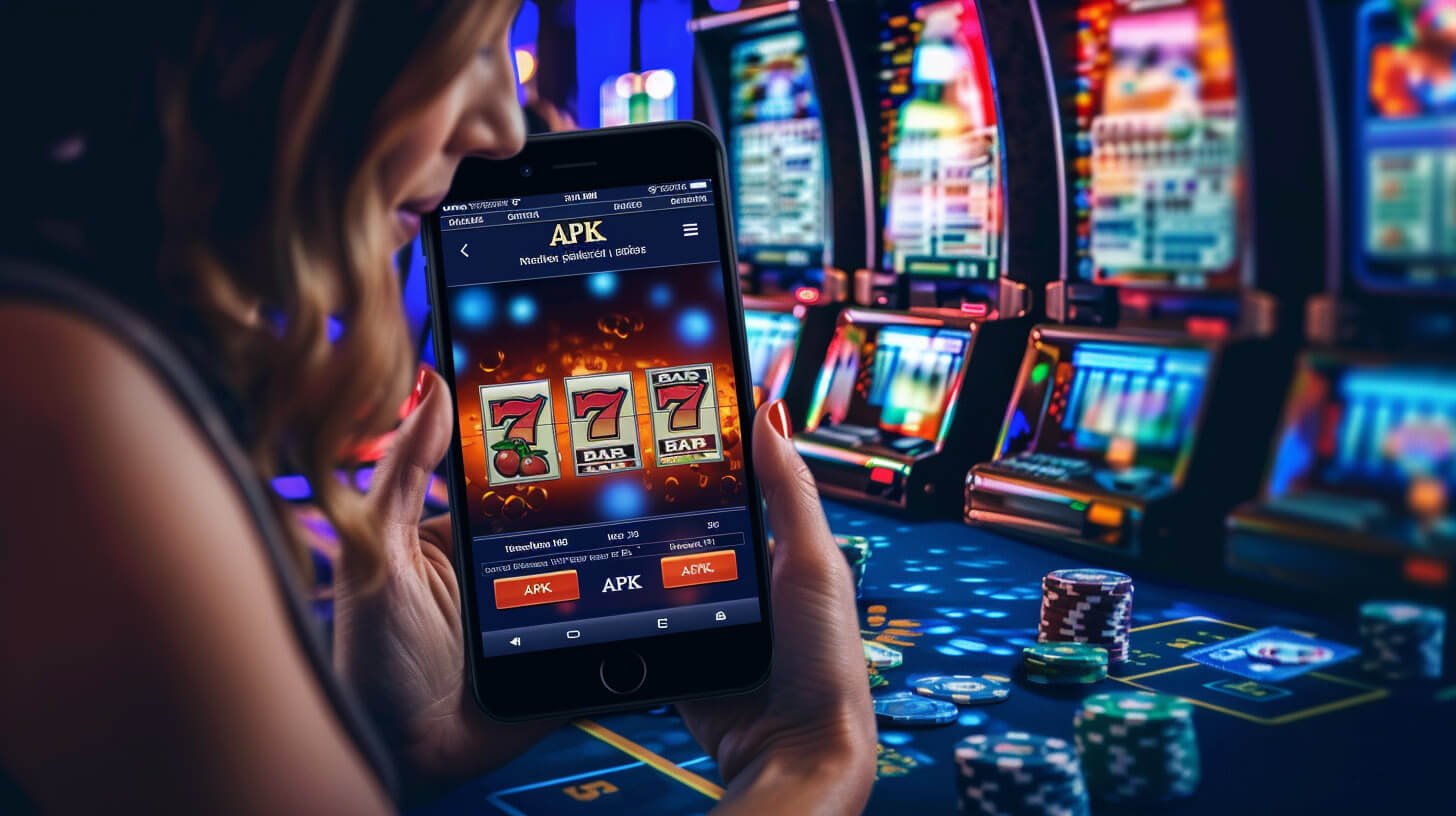
Jongle The app has everything — slots, fish games, Live Casino, and Sports Betting. Whatever's available on the browser version is available on the app too — with even better performance.

Deposit & Withdrawal

You can deposit and withdraw directly via bKash, Nagad, and Rocket within the Jongle app. It's incredibly convenient for mobile banking users — everything gets done without switching apps.

App Update

Jongle regularly adds new features and games. App users will receive update notifications and can easily download the latest version.

How much data does it use?

The Jongle app can run in a data-saving mode. You can reduce data usage by adjusting the graphics quality. A Wi-Fi connection will give you the best experience.

Play safe and responsibly

Jongle The app includes deposit limits, session timers, and self-exclusion tools. Use these to set your own boundaries. Our Responsible Gaming Find more details on the page.
jongle
Download FAQ

Frequently asked questions about the Jongle app download

No, the jongle APK is not available on the Google Play Store. You must download it directly from jongle's official website at jongle.pro. Do not download from any third-party stores or websites — this poses a security risk.

You need to enable Unknown Sources once to install the Jongle APK. Once installation is complete, you can turn it off again. The Jongle APK is fully safe and verified — no viruses or malware.

Open jongle.pro in Safari. Tap the Share icon (the box with an arrow pointing up) at the bottom. Scroll down and select "Add to Home Screen", then tap "Add". The Jongle icon will now appear on your home screen.

First, make sure Unknown Sources is enabled. Then check that you have enough free storage. Try downloading the APK file again. If the problem persists, contact jongle's 24/7 support chat.

You don't need an account to download, but you will need one to play. Register for free on jongle and claim your download bonus. Sign-up takes just 2 minutes.
📱

Jongle App — Download Free Now

The entire gaming world in your pocket — under 5 MB. Already enjoyed by 50,000+ users.

Download now Log in
বাংলা